

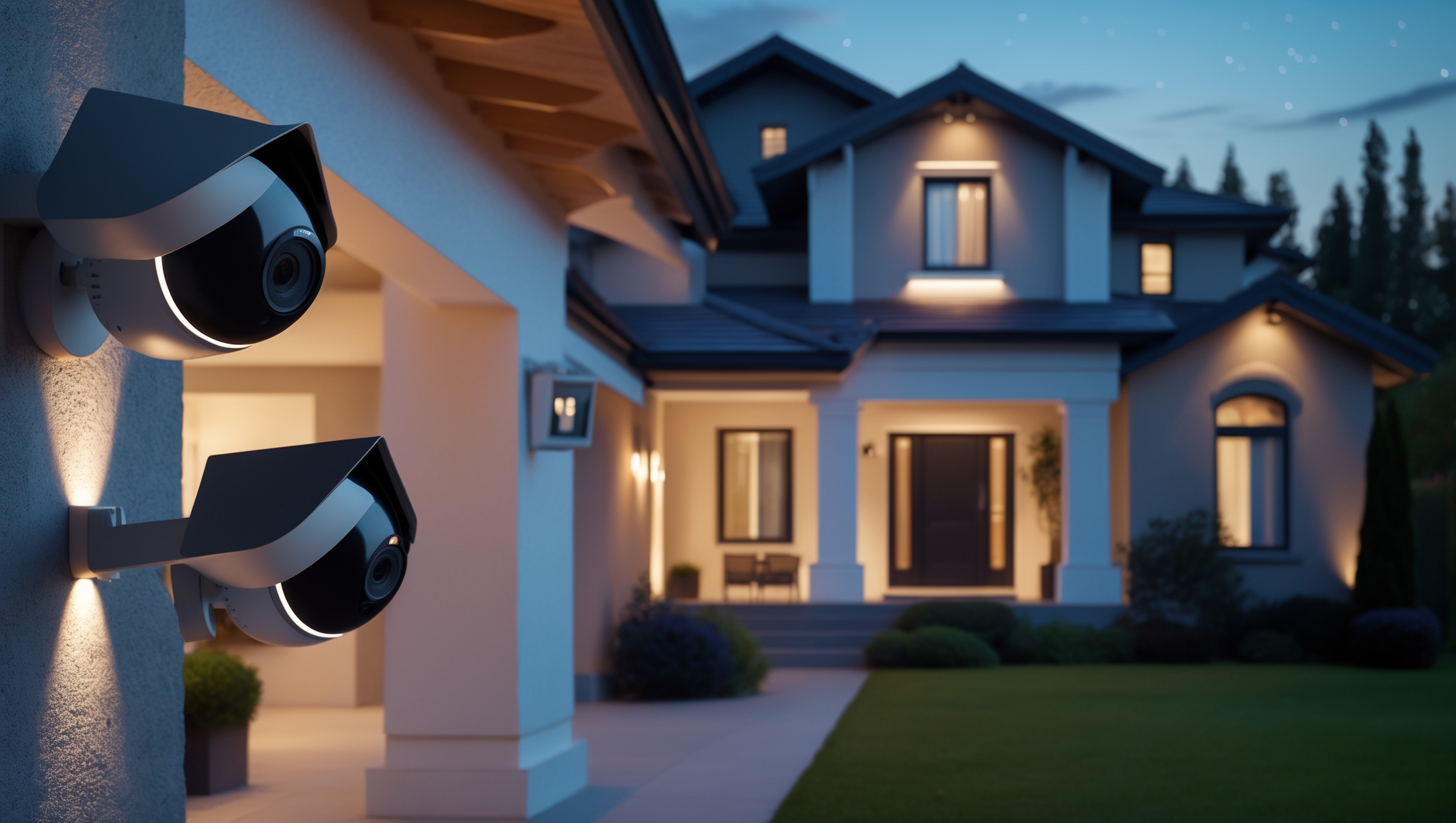
Introduction: The Value of DIY Home Security Camera Installation
Home security cameras are a popular and effective way to protect your property, deter crime, and give peace of mind. With the rise of affordable, high-quality DIY security camera kits, more homeowners than ever are taking installation into their own hands. However, many first-timers underestimate the planning and technical know-how required for a truly effective setup. From poor camera placement to insufficient recording storage, common mistakes can leave blind spots, unreliable recordings, or even render your system useless when you need it most.
This guide provides practical, step-by-step advice to help you avoid the pitfalls that often trip up beginners. Whether you’re considering a few wireless cameras or a full perimeter system, you’ll learn about optimal placement, wiring and power considerations, network and app setup, privacy compliance, and more. By understanding these key areas, you can maximize your investment and ensure your home is genuinely safer and more secure.
Choosing the Right Security Cameras for Your Home
Understanding Your Security Needs
Before purchasing any equipment, assess your property and your primary security concerns. Are you most worried about break-ins, package theft, or monitoring deliveries and visitors? Do you need coverage for detached garages or alleyways? Walk around your home and list vulnerable entry points, hidden corners, and areas with poor lighting.
Camera Types: Pros and Cons
- Wired Cameras: Offer reliability and high-quality video, but require running cables and a central recording device.
- Wireless Cameras: Easier to install and move, but depend on Wi-Fi quality and usually require more frequent battery changes or charging.
- Battery-Powered Cameras: Great for hard-to-reach spots, but need regular maintenance to ensure they’re powered and functional.
- Indoor vs. Outdoor Cameras: Outdoor cameras should be weatherproof with night vision and wide dynamic range for changing light conditions.
Key Features to Look For
- Resolution: Choose at least 1080p for clear identification.
- Field of View: Wider angles cover more area, but too wide can distort images.
- Night Vision: Essential for 24/7 monitoring; look for infrared or color night vision.
- Storage: Decide between local (SD card/DVR) and cloud storage based on your preferences and privacy concerns.
- Smart Features: Motion detection, two-way audio, and mobile alerts can enhance usability.
Common Placement Mistakes and How to Avoid Them
Placing Cameras Too High, Too Low, or at the Wrong Angle
One of the most frequent mistakes is mounting cameras at an ineffective height. Too high, and facial features are lost; too low, and cameras can be easily tampered with. The ideal height for capturing faces is 8–10 feet above ground, angled slightly downward. Test placement before finalizing installation by temporarily mounting the camera and reviewing the footage.
Creating Blind Spots
Overlapping camera views is important to cover blind spots, but too much overlap wastes resources. Use a diagram or home map to mark fields of view and ensure all key areas—like entrances, driveways, and ground-level windows—are visible. Pay special attention to side gates and basement entrances, as these are common points of entry.
Ignoring Lighting Conditions
Direct sunlight, glare from windows, or deep shadows can make footage unusable. Avoid pointing cameras directly at bright light sources. Test footage at different times of day and adjust angles or use shades to minimize glare. For areas with poor nighttime lighting, consider cameras with built-in spotlights or install motion-activated exterior lights.
Power and Wiring Considerations
Underestimating Power Needs
For wired cameras, plan your cable runs before drilling holes. Use quality, weather-rated cables for outdoor installations. Avoid running cables near high-voltage lines to prevent interference. For wireless or battery-powered cameras, check battery life estimates and install them within easy reach for future maintenance. If using solar panels, ensure they receive adequate sunlight year-round.
Neglecting Surge Protection
Power surges from lightning or grid issues can destroy sensitive equipment. Use surge protectors for all indoor power adapters, and consider a battery backup (UPS) for your recording device to prevent data loss during outages.
Optimizing Your Home Network for Security Cameras
Bandwidth and Wi-Fi Coverage
Multiple high-definition cameras can strain your network. Position your Wi-Fi router centrally or use mesh Wi-Fi systems and range extenders to reach all camera locations. Assign static IP addresses to cameras where possible to avoid connection issues after router resets.
Securing Your Camera Feeds
- Change Default Passwords: Use strong, unique passwords for each device.
- Enable Two-Factor Authentication: If your camera app supports it, add this extra layer of security.
- Keep Firmware Updated: Regularly check for updates to patch security vulnerabilities.
- Set Up Guest Networks: Isolate security cameras from your main home network for added protection.
Storage and Video Retention: Avoiding Costly Mistakes
Underestimating Storage Needs
High-resolution video takes up significant storage space. Calculate your daily camera usage and decide how long you need to retain footage. For example, a single 1080p camera recording 24/7 can fill a 128GB SD card in about a week. If using cloud storage, review subscription costs and data retention policies. Local Network Video Recorders (NVRs/DVRs) offer more control but require physical security and regular backups.
Not Backing Up Critical Footage
Important clips should be regularly backed up to secure locations, such as an external hard drive or encrypted cloud service. Automate this process where possible to avoid losing crucial evidence after a break-in or technical failure.
Privacy, Compliance, and Neighbor Relations
Respecting Neighbor Privacy
Be mindful of camera angles to avoid capturing private areas of neighboring properties, such as inside windows or fenced yards. In many regions, recording areas where individuals expect privacy is illegal. Use privacy zones or digital masking features to block out sensitive areas in your camera’s field of view.
Understanding Local Laws and Regulations
- Signage Requirements: Some jurisdictions require signage if you’re recording video or audio.
- Audio Recording: Laws on audio vary widely. In many areas, recording conversations without consent is illegal.
- HOA Rules: Homeowners associations may have guidelines about camera placement and aesthetics.
Integrating Cameras With Other Security Systems
Smart Home Integration
Many modern cameras integrate with platforms like Google Home, Amazon Alexa, or Apple HomeKit. This allows for voice control, automation (such as lights turning on when motion is detected), and centralized monitoring. Plan your system with future upgrades in mind to avoid compatibility headaches later.
Alarm and Monitoring Services
If you have a monitored alarm system, look for cameras that can trigger alarms or send video clips directly to your monitoring company. Some insurers offer discounts for professionally monitored, integrated systems—check with your provider.
Testing, Maintenance, and Troubleshooting
Testing Before Final Installation
Temporarily set up cameras and review live and recorded footage before drilling permanent holes. Test at night and in bad weather. Walk through your property to see what the cameras actually capture and adjust angles as needed.
Routine Maintenance Checklist
- Clean camera lenses monthly with a microfiber cloth.
- Check for cobwebs, dust, or debris that can obscure views.
- Inspect cables and mounts for wear or looseness, especially after storms.
- Review footage quality and adjust settings if lighting conditions change with the seasons.
- Test motion detection zones and notifications regularly.
Troubleshooting Common Issues
- Blurry Images: Clean the lens, adjust focus, or check for condensation.
- Connection Drops: Move your router, upgrade firmware, or use wired connections where possible.
- False Motion Alerts: Adjust sensitivity, mask out busy areas (like streets), or trim nearby foliage.
Conclusion: Achieving Reliable and Effective Home Camera Security
Installing home security cameras yourself is an empowering project that can greatly enhance your home’s safety and your peace of mind. However, the process demands careful planning and attention to detail. By selecting the right cameras for your needs, thoughtfully planning placement and wiring, securing your network, and respecting privacy laws, you can avoid the pitfalls that commonly undermine DIY installations. Remember that technology alone doesn’t guarantee security—ongoing testing, maintenance, and strategic upgrades are key to keeping your system effective year after year.
Approach your camera installation not just as a one-time task, but as an ongoing investment in your home’s protection. Stay informed about new features and security best practices, and don’t hesitate to consult professionals for complex setups or integration with larger alarm systems. With a little diligence and the guidance provided here, you can create a robust security camera system that truly works when you need it most—giving you confidence in your home’s safety for years to come.
You mention the importance of proper camera placement to avoid blind spots. Do you have tips for figuring out which areas of a house are most often missed by first-time installers?
Commonly missed areas include side gates, basement windows, and blind corners near doors or garages. Walk around your home and imagine possible entry points from a burglar’s perspective. Also, check for obstacles like trees or walls that might block a camera’s view. Mapping out camera coverage on paper can help identify gaps before you install.
If I opt for battery-powered cameras in hard-to-reach areas, what kind of maintenance schedule should I expect to keep them powered and functional year-round?
For battery-powered cameras, expect to check and recharge or replace batteries every 3 to 6 months, depending on the camera model and usage. It’s also wise to inspect camera positioning and clean the lenses during each battery check to ensure optimal performance all year.
You mentioned privacy compliance for installing cameras. Are there specific rules I need to check before setting up outdoor cameras that might capture footage of the sidewalk or my neighbor’s driveway?
Yes, you should check local and state privacy laws, as rules vary by location. Generally, avoid pointing cameras directly at public sidewalks or neighbors’ property. Inform neighbors if your camera view includes part of their driveway, and consider masking or blurring those areas if possible.
Regarding storage for recordings, do you have any tips for beginners on choosing between cloud-based options and local storage, especially in case of power outages or internet loss?
When choosing storage, cloud-based options offer easy remote access but need internet to work. Local storage, like SD cards or NVRs, keeps recordings even if the internet or power goes out—though a backup power supply helps. Many beginners use both for extra security and reliability.
For a small business, is it better to invest in a wired system even if installation is harder, or can high-quality wireless cameras offer the same level of reliability for protecting inventory?
For a small business, wired systems generally offer more reliability since they’re less prone to interference and can’t be easily disabled by cutting power. However, high-quality wireless cameras can still be effective if you have strong, consistent Wi-Fi and secure power sources. Consider your layout, potential interference, and security needs before deciding.
If I’m installing wireless cameras but my Wi-Fi sometimes struggles to reach the backyard, are there practical ways to boost the signal just for my security cameras without upgrading my whole router?
Yes, you can use a Wi-Fi range extender or a mesh Wi-Fi system to boost your signal specifically in the backyard. Another option is to install a powerline adapter with Wi-Fi capability near your cameras. These solutions help improve coverage without replacing your main router.